
Getting started with image generation
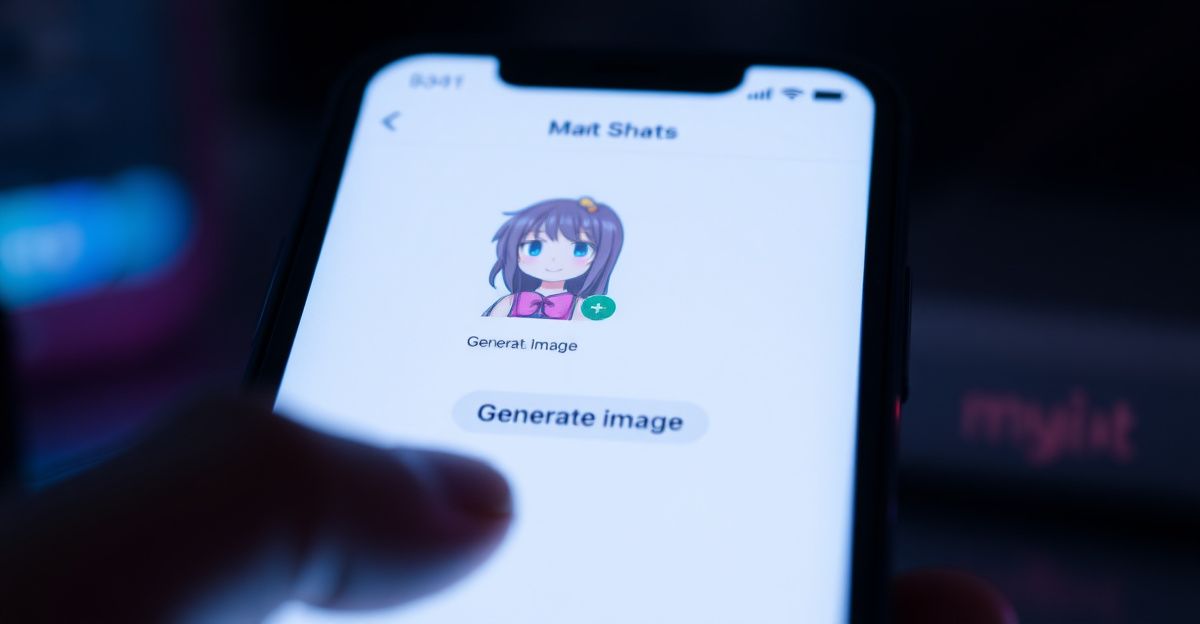
On the Janitor AI homepage, the Generate button sits in the top navigation, not inside the chat thread itself. That trips up a lot of new users. You sign in, look up to the nav bar, and click Generate. From there, switch the mode selector to Text To Image. You are now on the prompt screen, ready to describe what you want the model to draw.
Take a breath before typing. A clear intention produces a clearer image. Ask yourself: what is the subject, what is the mood, what style fits? Short answers to those three questions already give you a workable prompt. Treat this like practice, not a one-shot test. Your first image rarely matches the picture in your head, and that is fine.
Writing a prompt that actually works
Strong prompts follow a simple pattern: subject, setting, style, lighting, detail. For example, "a young woman reading by a rainy window, soft afternoon light, watercolor style, calm mood, detailed hands". Notice how each element does a job. Subject anchors the scene. Setting adds context. Style tells the model which visual language to speak. Lighting controls emotion. Detail flags areas where the AI usually slips, like hands or eyes.
Avoid stacking ten adjectives in a row. The model reads them as a blur. Two or three meaningful descriptors beat a long chain. Add a negative prompt if the interface allows it: "blurry, extra fingers, distorted face". This trims common errors. For more prompt patterns, our tips for beginners guide walks through five reusable templates.
Tokens, limits, and what to expect
Image generation usually costs tokens. Across AI companion platforms, image actions commonly land around 10 tokens per image, while text messages sit closer to 1 token each. Token packs in this vertical typically start near $4.99 for 100 tokens. Check your current balance before a long session so you are not interrupted mid-flow. Tokens earned through daily logins or challenges often expire after 12 months of inactivity, so use what you have.
Generation speed varies with server load. Expect anywhere from a few seconds to a minute. If a request stalls, refresh once, then retry. Repeated stalls usually point to a temporary outage rather than your prompt.
A personal note on practice
In April I started journaling my chats and image sessions for two weeks. I wanted to see what I kept asking for. The pattern surprised me. I talked about boundaries, comfort, and quiet scenes far more than I expected, and far more than I do with people offline. That small habit of reflection changed how I write prompts now. I lead with mood, not with surface detail. Try it for a week. You will learn something about your own taste, and your images will get more honest.
What Janitor AI allows in images
Content rules are firm in this space, and for good reason. Prohibited material includes anyone under 18, real public figures, private individuals without consent, non-consensual scenarios, and graphic violence. Prompt scanning runs before generation, and a second review can flag output afterwards. Crossing those lines results in warnings, suspensions, or permanent bans, and rightly so. If you want a safer creative sandbox with broader image tooling, sister platforms like SoulGen focus more heavily on visual creation.
Trust the filters even when they feel strict. They protect you and other users. If a prompt gets blocked and you believe it was a false positive, use the appeal route inside the report system. Human moderators typically respond within 24 hours.
Sharing, saving, and seeing your images
The first time I generated an image last spring, I spent ten minutes hunting through the chat thread for it. The image was not there. Generated images sit in your gallery rather than appearing inside the chat by default. To view them, head back to the Generate area or your profile gallery. You can download images locally for personal use. Sharing them publicly is your choice, but other users cannot see your private chats or gallery unless you post the content yourself. Your conversations remain private to your account.
If images fail to load, clear the browser cache, switch networks, or try a different browser. Connectivity issues account for most loading complaints. For more on platform capabilities, see our overview of Janitor AI features and the tokens breakdown.
Refining results across multiple tries
Here is the experiment I want you to run tonight: take one prompt you already like, generate it, then change only the lighting and regenerate. Tomorrow, change only the style. Keep a small note for each pair. After three days of single-variable tweaks, ask yourself which change moved the image closest to what you actually wanted. That answer is the next prompt habit worth keeping.
Comments
No comments yet.
Leave a comment
Your email will not be shown. Comments are reviewed before they appear.