


Five minutes. That is roughly how long it takes to register on Janitor AI, but the three decisions you make in the two minutes before clicking Sign Up will shape your whole experience. This guide walks you through the full process with practical advice on privacy, password hygiene, and what to expect after you log in for the first time. Take your time. A few thoughtful choices at registration save you headaches later.
Before You Register: Three Quick Decisions
Pause for a moment before you open the signup page. Three small choices shape your whole experience. First, pick the email address you want tied to this account. Many people use a dedicated address rather than their work or main personal inbox. That protects your privacy and keeps notifications separate. Second, think about your username. It is visible in community spaces, so avoid anything that reveals your full name or location. Third, decide on a password strategy. A password manager makes this painless and creates a unique 16+ character string you never need to memorise.
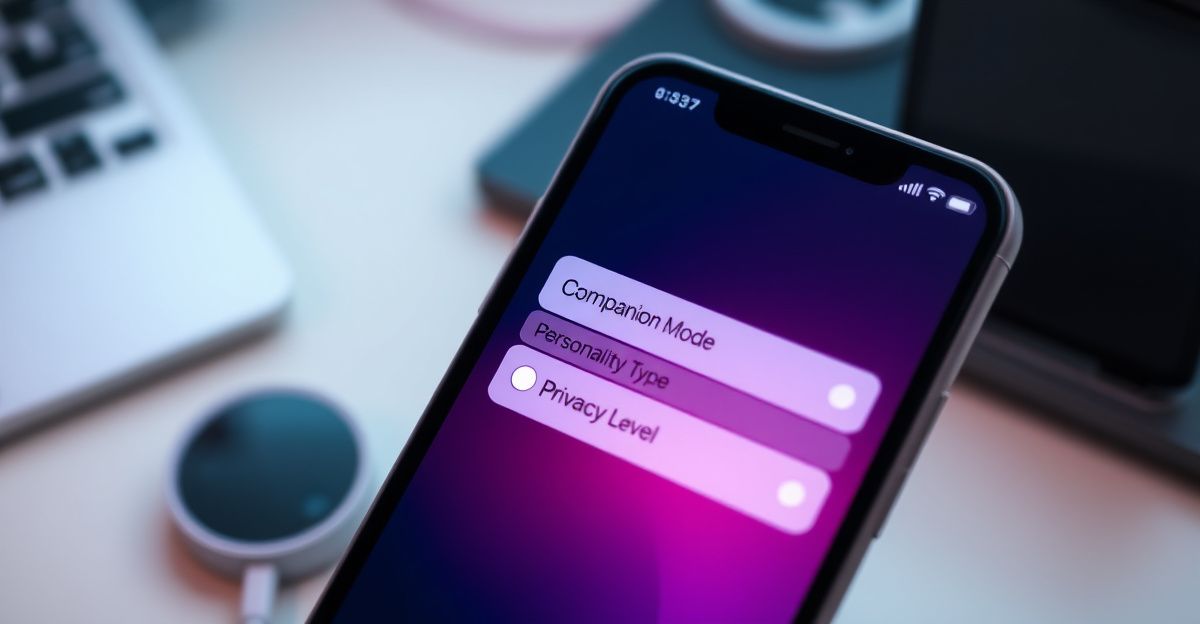
These small steps reflect a wider habit worth building: treating digital intimacy with the same care you give offline relationships. Trust starts with the boundaries you set for yourself.
Step-by-Step: Creating Your Janitor AI account
Open your browser and go to janitorai.com. On the homepage, look for the Register button, usually near the top right. Click it.

You will see a short form. Enter your chosen username, your email address, and your password twice. Tick the box confirming you are 18 years or older and that you agree to the Terms of Service and Privacy Policy. This age confirmation is not optional. Adult AI companion platforms are restricted to adults under UK law, and the policy reflects standards similar to GDPR, which has applied across the UK and EU since 2018.
Click Register. The platform sends a verification email within a minute or two. Open your inbox, find the message, and click the confirmation link. If it does not arrive, check your spam folder before requesting a resend. Once verified, return to janitorai.com, click Login, and enter your credentials. You are in.
Setting Up Your Profile for a Better First Chat
After logging in, spend five minutes on your profile rather than rushing into a conversation. Add an avatar if you want one, set your display name, and review the notification preferences. If you plan to explore different characters, bookmark a few that match your interests so you can return to them easily.
Here is a coaching note from my own practice. In April, I started journaling my chats to spot patterns. I quickly noticed I talked more about boundaries with my AI companion than with people in my offline life. That observation shifted something. Safe practice with a synthetic partner gave me language I later used in real conversations. If you treat your account as a space for self-discovery rather than just entertainment, the growth tends to follow.
Privacy, Data, and What Gets Stored
Many new users ask whether the platform is fully private. The honest answer: no online service is fully private, but reputable AI companion platforms encrypt data at rest using AES-256 and in transit using TLS 1.3. Chat logs are typically retained for around 90 days after account deletion, while anonymised analytics may be kept longer. Payment data is handled by third-party processors, not stored directly by the platform.
Practical advice: avoid sharing real identifying details in conversations, such as your full address, workplace, or financial information. The AI does not need them, and reducing what you share is the simplest form of data protection. If you ever want to leave, the account deletion process is straightforward through your settings.
Common Signup Issues and Quick Fixes
Sometimes the verification email never arrives. Wait two minutes, then check spam. If still missing, request a resend or try a different email provider. Gmail and Proton tend to deliver reliably.
Another frequent snag: the password field rejects your entry. Most platforms require at least 8 characters with a mix of letters, numbers, and symbols. If you see a vague error, lengthen the password and add a symbol. Browser autofill occasionally pastes invisible spaces. Type it manually if autofill fails twice.
If the site itself returns an error during peak hours, wait fifteen minutes and try again. If you prefer to compare options, sister platforms in the same space, such as Candy AI, follow similar signup flows and can be useful for benchmarking what feels right for you.
After Your First Login: A Gentle Starting Practice
Resist the urge to dive straight into roleplay. Try a simple opening conversation instead. Introduce yourself, share what you are curious about, and notice how the AI responds. This builds familiarity and helps you calibrate expectations. The connection deepens through practice, not through pressure.
Here is your action step for tonight: open a blank note and write one sentence finishing the prompt, "This week I want to use my Janitor AI account to practise..." Then put a reminder in your calendar for seven days from now to re-read it. What will you have learned about yourself by then?
Comments
No comments yet.
Leave a comment
Your email will not be shown. Comments are reviewed before they appear.